
Leuchter IT Solutions AG
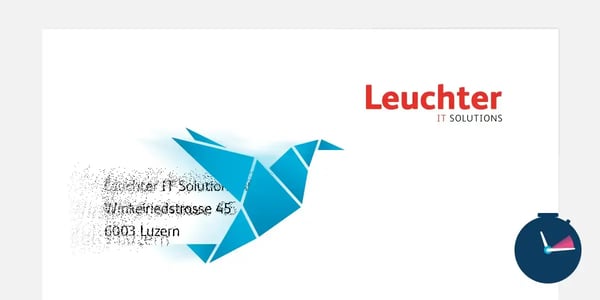
Adressänderung nach Firmenumzug – alle Dokumentenvorlagen innert Minuten aktualisiert

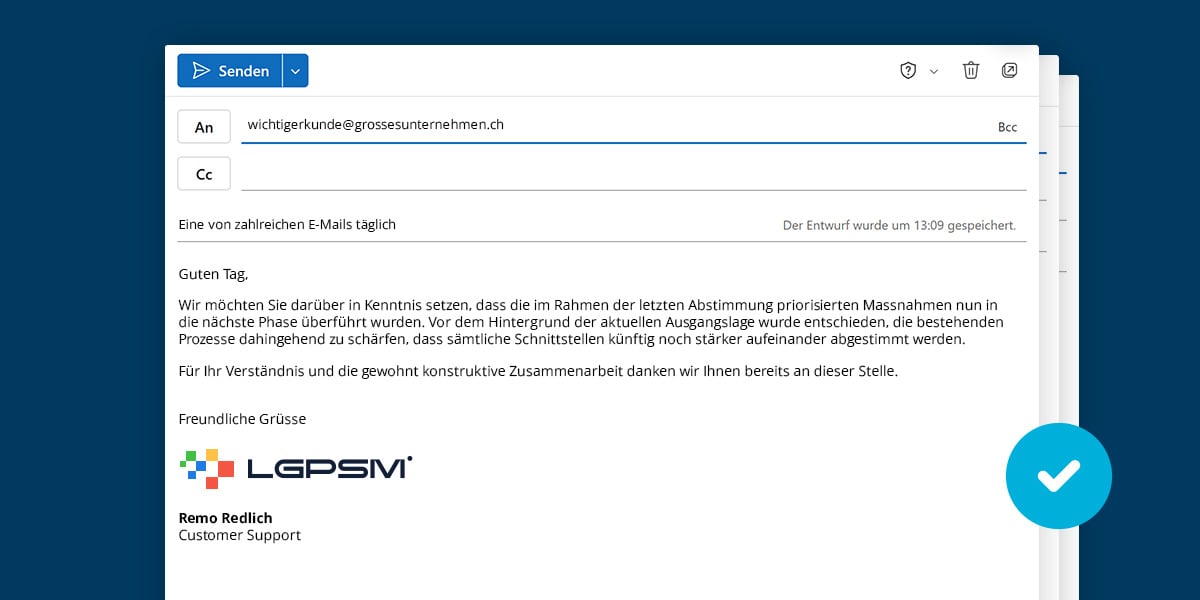
Every day, numerous emails leave your company. With Docugate Email Signatures, you can ensure that every email is sent with up-to-date contact information, a consistent look and feel, and the correct details.
Thanks to Docugate, all email signatures are managed centrally. Changes only need to be made once and are then available to all employees.
Whether it’s a new company address, a changed phone number, or the latest marketing banner: your signatures remain up-to-date and consistent at all times. Design is done directly in Microsoft Word. This allows you to flexibly create signatures using tables, colors, images, and links without having to rely on a separate web editor. As a central signature manager, Docugate ensures that the appropriate signatures are available directly in Outlook.
Many companies still manage their email signatures in a decentralized manner. Each employee maintains their own signature. Especially when there are many employees, multiple locations, or frequent changes, it quickly becomes clear how time-consuming manual maintenance of Outlook signatures can be.
In addition to signatures, recurring text blocks can also be made available centrally. This allows employees in sales, support, or the frequently asked questions (FAQ) section, for example, to access approved and up-to-date wording at any time.
Changes are made centrally rather than individually for each employee.
All employees communicate in accordance with your company's corporate identity.
The appropriate Outlook signature is automatically generated based on the stored data and rules.
By integrating with Microsoft Entra ID, signatures can be managed more easily, more consistently, and using up-to-date user data.
Email signatures aren’t just a mandatory part of business communication. They can also be used as an additional communication and marketing channel.
In practice, however, campaign banners are often inserted manually into Outlook signatures, updated too late, or not removed after the campaign ends. This leads to outdated information, unnecessary effort, and an inconsistent brand image.
With Docugate email signatures, marketing campaigns can be managed centrally and activated or deactivated on a scheduled basis. This ensures that the right message appears in Outlook signatures at the right time—without employees having to update their signatures themselves.
Company relocations and address changes
Rebranding or a new corporate design
New products or services
Trade show and event communications
Recruitment campaigns
Seasonal promotions
Holiday and vacation notices
Adressänderung nach Firmenumzug – alle Dokumentenvorlagen innert Minuten aktualisiert
No relevant case studies were found.
This solution is ideal for companies that
have multiple employees or locations
want to centrally manage their Outlook signatures
want to consistently implement their corporate design
want to centrally provide reusable text blocks
Want to manage changes efficiently and centrally
Lucca Rusconi is your contact person for all questions relating to Docugate, template management, document creation and email signatures. With his broad expertise and many years of experience, he supports you in finding a solution that truly fits your requirements. Together with you, he analyses your situation, presents suitable options and supports you throughout the implementation. Please feel free to get in touch – Lucca looks forward to hearing from you.

Lucca Rusconi
Sales & Customer Success Manager
Telefon: 041 226 50 73
E-Mail: lucca.rusconi@leuchterag.ch
With Docugate, you can manage all your Outlook signatures centrally in one place. Changes to contact information, logos, banners, or legal notices only need to be made once and are then available to all employees. This eliminates the need to manually update each individual signature.
Yes. If, for example, the company address, phone number, or other company information changes, these details can be updated centrally. The updated information is then reflected in the corresponding signatures. This ensures that your Outlook signatures are always up to date.
Yes. With Docugate, you can centrally manage banners for marketing and communication purposes. For example, you can use them to highlight new products, events, job openings, or a company relocation. Banners can be updated at any time and made available company-wide.
Yes. With Docugate, you can define different signature templates. For example, new emails can include a detailed signature, while replies or out-of-office messages automatically use a different version.
Yes. Management is centralized and can be handled by your company's template administrator. If desired, the Docugate ServiceDesk can also assist you with customizations or setting up new signatures.
Docugate is particularly well-suited for companies that use Microsoft 365 or Office 365 and Outlook. The solution is ideal for organizations with multiple employees or locations that want to centrally manage their Outlook signatures while also using them as a marketing channel.
Yes. In addition to email signatures, recurring text blocks can also be made available centrally. This allows employees to access approved and up-to-date wording at any time—for example, in sales, support, or customer service.
Leuchter IT Solutions AG
Spinnereistrasse 5
6020 Emmenbrücke
Telefon: +41 41 226 50 60
E-Mail: kontakt@docugate.ch
Montag bis Freitag
07.00 - 18.00 Uhr
Telefon: +41 41 226 50 48
E-Mail: servicedesk@docugate.ch